
Tracking Spending: Spreadsheets vs. Budgeting Apps
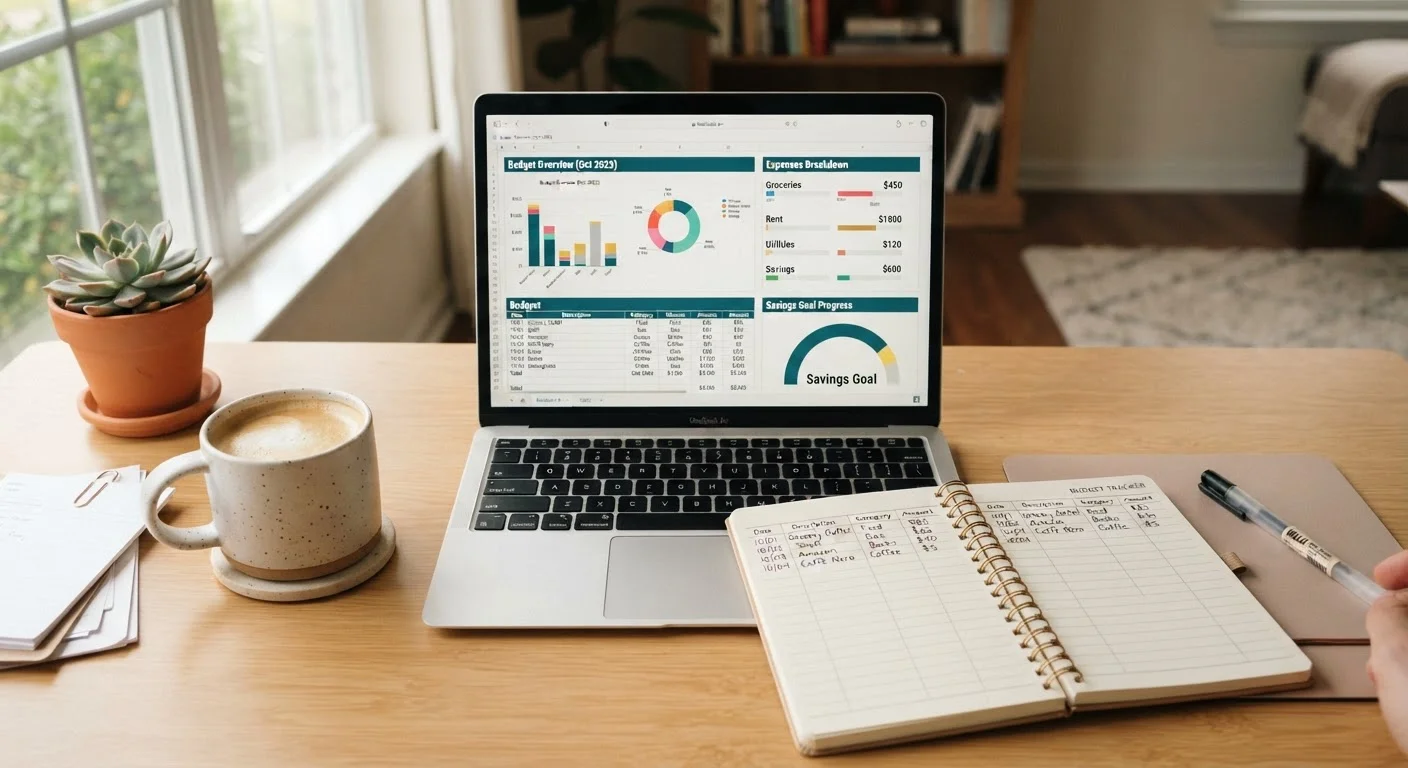
Photo credit: ExplorerGrid.com | Endless Grid Of Factual Content
In this article
Manual spreadsheets and automated apps each have real trade-offs. Compare both approaches to find out which tracking method works for your habits.
Key Takeaways
- Spreadsheets offer full customization and zero subscription cost, but require consistent manual input.
- Budgeting apps automate transaction syncing but involve account linking and often recurring fees.
- Your tracking habits and comfort with technology matter more than which tool is 'objectively better.'
- Either method works best when paired with a clear understanding of your fixed and variable expenses.
- Many people use a hybrid approach — an app for day-to-day logging and a spreadsheet for monthly reviews.
Why Your Tracking Method Matters
Choosing how to track spending might seem like a minor logistical detail, but it shapes whether your budget actually survives contact with real life. The most sophisticated budget plan fails if you can't — or won't — maintain it consistently. Before reviewing the two main options, it helps to be honest about one thing: the method you'll actually use is the right one for you.
Before you decide, it's worth completing a household budget setup checklist to clarify your income, fixed obligations, and savings targets. That groundwork makes any tracking tool more effective from day one.
| Spreadsheets | Budgeting Apps | |
|---|---|---|
| Cost | Free or included in existing tools | Often $5–$15/month or annual fee |
| Data entry | Manual — user enters every transaction | Automated — syncs from linked accounts |
| Customization | Unlimited — build any structure you need | Moderate — adjust within preset frameworks |
| Privacy | High — no account linking required | Lower — accounts linked to third-party servers |
| Learning curve | Moderate — formula knowledge helps | Low — most are designed for quick setup |
| Visual reports | DIY — charts must be built manually | Built-in spending charts and summaries |
| Best for | Detail-oriented, privacy-focused users | Busy users who need automation to stay on track |
Tracking With Spreadsheets
A spreadsheet — whether in Google Sheets, Excel, or a similar program — puts you in complete control of your budget's structure. You define the categories, the formulas, and the layout. That flexibility is the core advantage: you can build something that mirrors your actual life rather than fitting into a pre-set template.
The discipline required is also the biggest drawback. Every transaction must be entered manually, which means a few skipped weeks can leave your data too incomplete to be useful. For people who spend across many accounts or pay in cash frequently, manual entry adds up to real time and effort.
- Cost: Free (Google Sheets) or included with existing software subscriptions
- Privacy: No bank account linking required — your data stays local
- Customization: Unlimited — build categories that reflect your real spending patterns
- Learning curve: Moderate; basic formula knowledge helps significantly
Spreadsheets also make it easier to model scenarios — for instance, seeing how your budget shifts if a variable expense like groceries rises 10%. Understanding how fixed and variable expenses differ becomes especially actionable when you control the formulas directly.
Tracking With Budgeting Apps
Budgeting apps connect to your bank accounts, credit cards, and loan servicers to pull in transactions automatically. That automation removes the single biggest friction point for most people: remembering to log spending. Transactions are categorized in real time, and many apps generate visual spending reports with no extra effort on your part.
The trade-offs are real, though. Most full-featured apps carry a monthly or annual subscription cost. More importantly, they require you to share read access to your financial accounts with a third-party platform — a privacy and security consideration worth weighing carefully. Review the app's data practices and encryption standards before linking any accounts.
- Cost: Often $5–$15/month or an annual fee; some offer free tiers with limited features
- Privacy: Requires bank account linking; data is stored on external servers
- Customization: Moderate; category rules can be adjusted but within preset frameworks
- Learning curve: Low once set up; initial account linking takes 15–30 minutes
Apps tend to work well for people pursuing a pay-yourself-first savings strategy, since automated tracking makes it easy to verify that savings transfers are happening as planned.
Choosing What Actually Works for You
Neither tool is objectively better — they serve different habits and priorities. Ask yourself a few practical questions before deciding:
- Do you find data entry satisfying or tedious? Manual entry builds awareness but requires consistency.
- Are you comfortable linking financial accounts to a third-party platform? If not, a spreadsheet avoids that entirely.
- Do you need visual reports or alerts to stay motivated? Apps typically deliver these out of the box.
- What is your budget for the budgeting tool itself? Spreadsheets cost nothing; apps have recurring fees.
Some households use both: an app for automatic daily transaction capture, and a monthly spreadsheet review to spot trends and adjust category allocations. This hybrid approach can blend convenience with depth of understanding. Whichever method you choose, pair it with a clear plan for building toward your goals — the Saving & Goals hub offers practical frameworks for doing exactly that.
This article is for general informational and educational purposes only and does not constitute personalized financial advice. Consult a qualified financial professional for guidance specific to your situation.

Author
Personal Finance Editorial Team
Personal Finance Editorial Team is the collective byline for our editorial team and contributor network. Articles published under this byline or an editorial pen name are researched, written, and reviewed according to our editorial standards for clarity, consistency, and independence before publication.
View all articles →